
Your Store.
Everywhere.
E-Shop helps local stores, boutiques and specialty shops create their own digital storefront. Share a QR code, let customers browse products, place orders and grow your business — all in one simple platform.
4.8 rating from 1,200+ stores
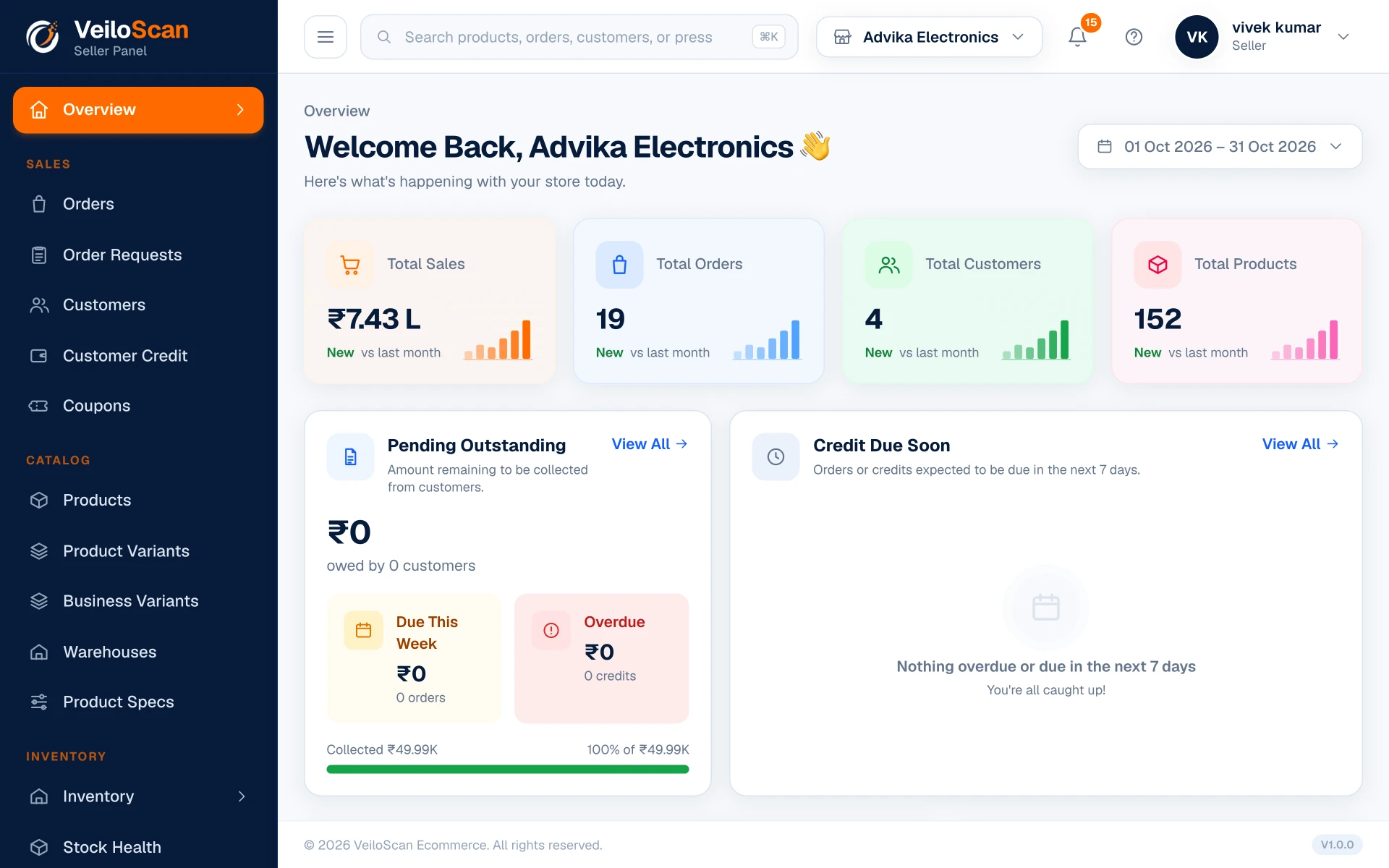
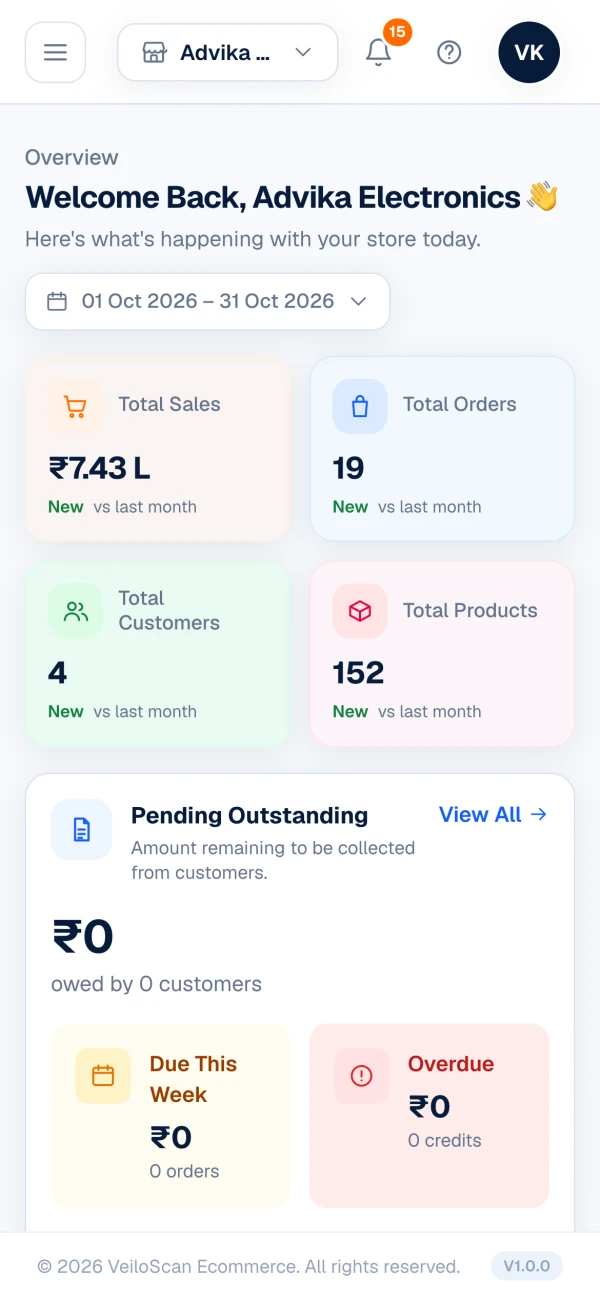
Everything Your Store Needs in One Platform
Simple. Smart. Built for local businesses.
Online Storefront
Create your digital store in minutes. No technical knowledge required.
Product Management
Add, edit and organize products with images, variants and pricing.
QR Code Access
Let customers scan your unique QR code and shop directly.
Order Management
Receive and manage orders in real-time with easy workflow.
Reports & Analytics
Track sales, popular products and customer growth.
Customer Management
Build your customer base with order history and engagement tools.
Staff Management
Add team members, assign roles and control what each person can do.
Marketing Tools
Coupons, offers and banners that bring customers back to your store.
Every Tool to Run Your Store, Module by Module
Billing, stock, udhar, staff and profit — everything a store owner gets in the VeiloScan Seller Panel.
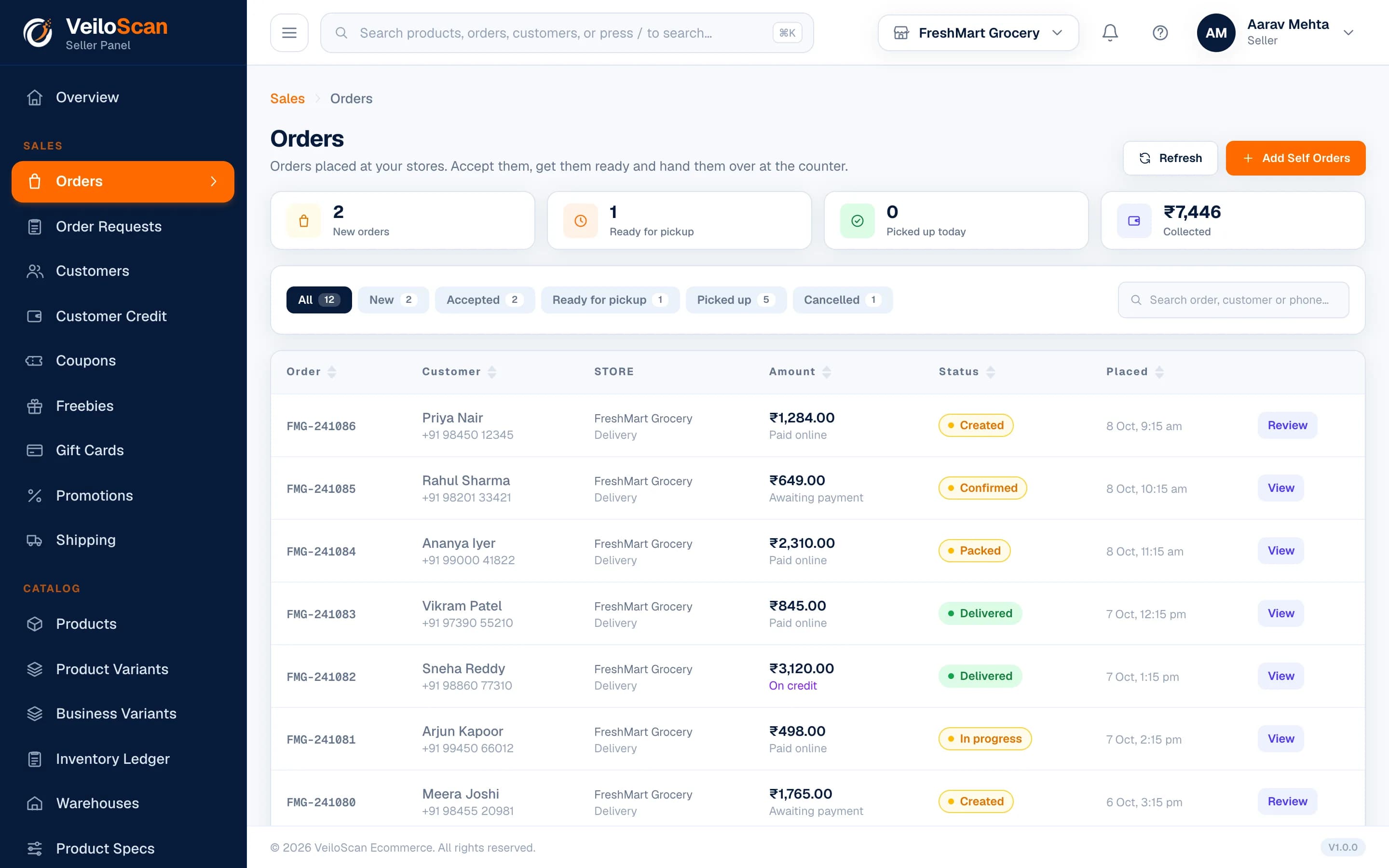
Bill Faster at the Counter, Track Every Order
Create orders for walk-in customers in seconds, confirm order requests from your storefront and hand over every order with an invoice.
- Bill at the counter — find items by name, SKU or barcode
- Order requests from customers, confirmed and billed by you
- Invoices and receipts for every order
- Track each order from placed to delivered or cancelled
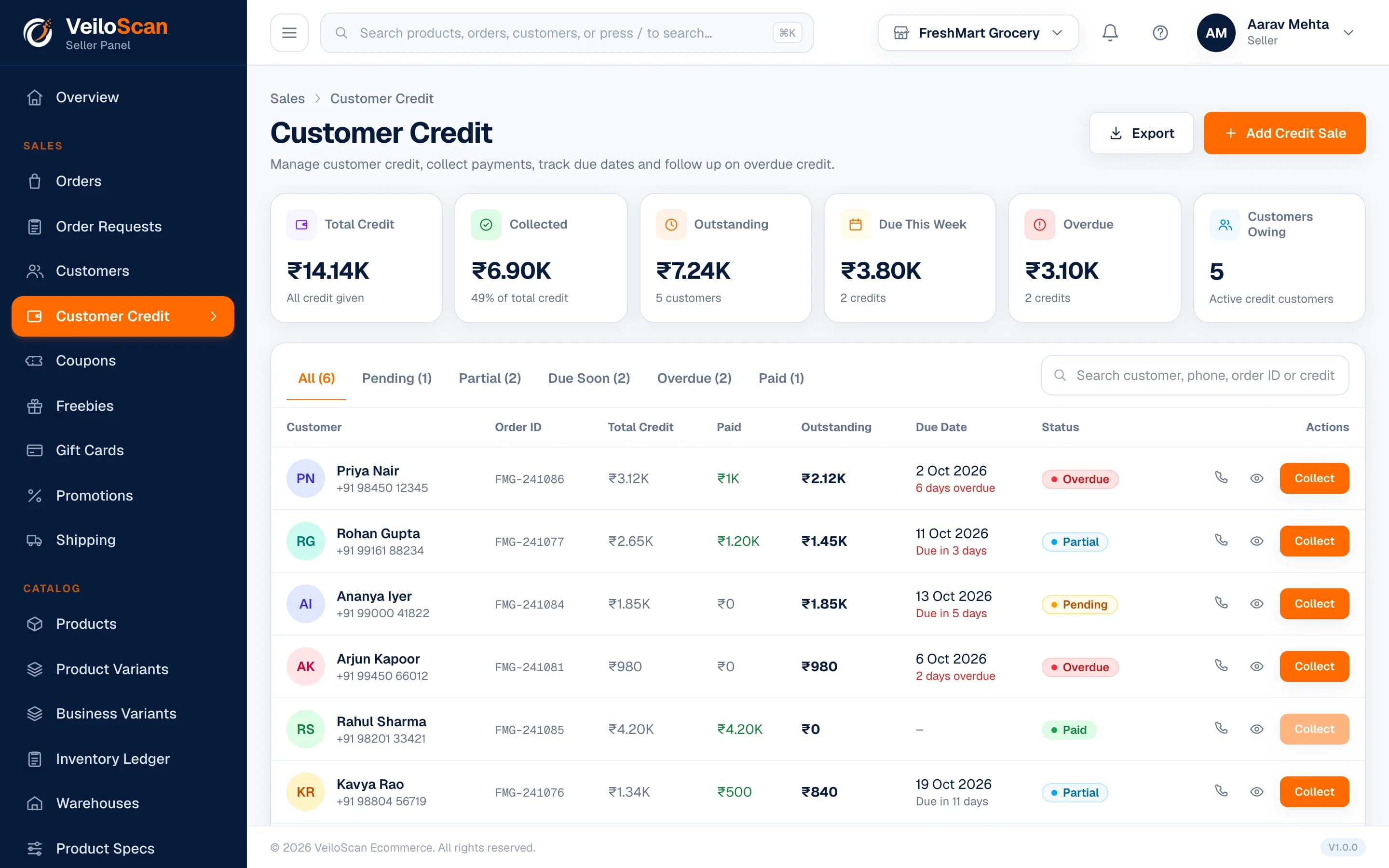
Know Every Customer, Collect Every Rupee
Every customer's orders and dues in one place — give credit, record collections and follow up without a notebook.
- Customer list with full order history
- Customer credit (udhar) with collections recorded
- Find any customer by name or mobile number
- Call a customer straight from their record
Build Your Catalog Step by Step
A guided wizard takes each product from basic details to publishing, with variants, specifications and pricing along the way.
- Step-by-step product wizard with images and pricing
- Variants like size, colour and pack, each with its own price
- Brands, specifications and main / sub / child categories
- Quantity discount slabs for bulk buyers
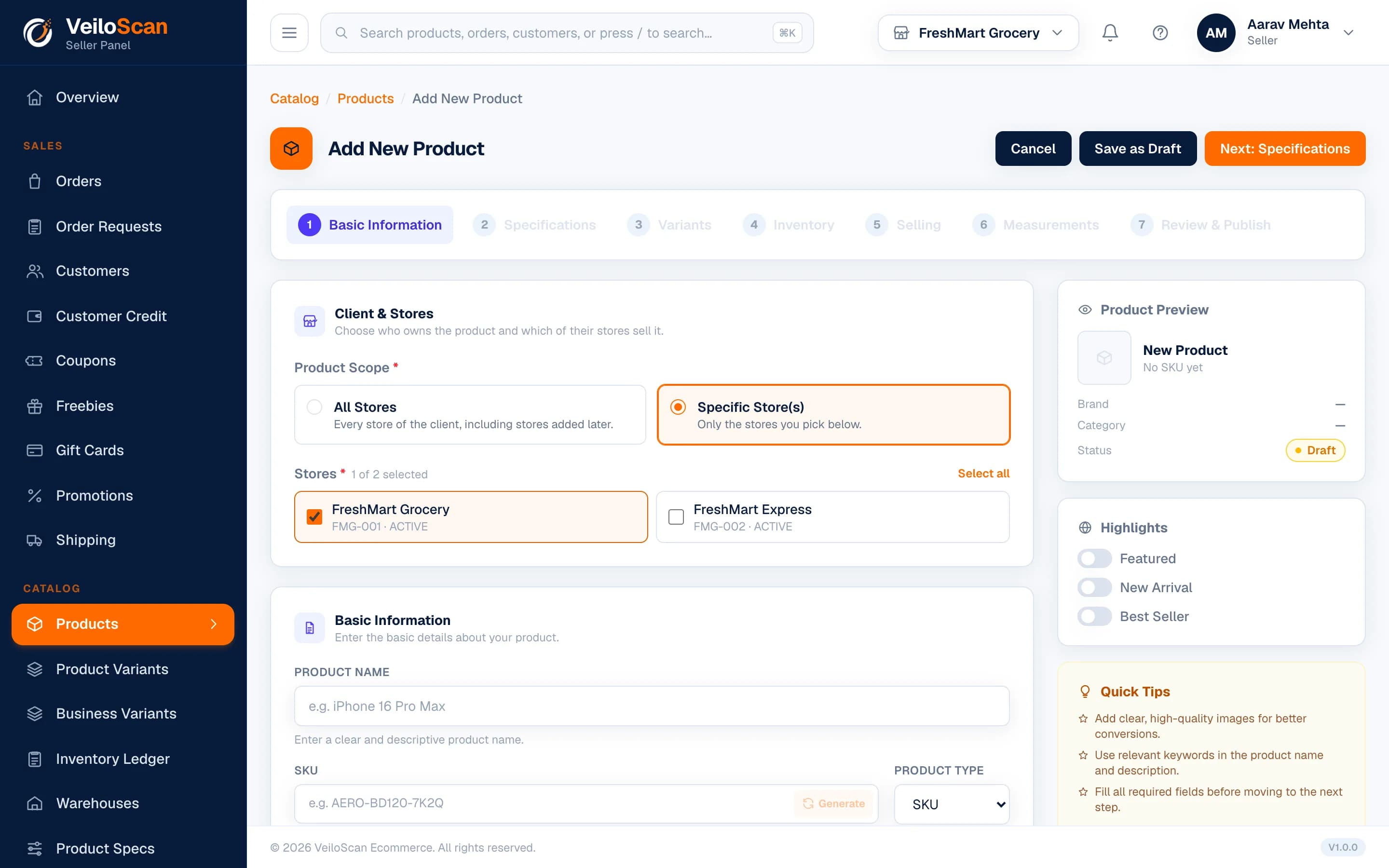
Know What's in Stock, Everywhere
Stock for every store and warehouse, with each movement kept in the ledger and alerts before you run out.
- Stock per store and warehouse, with a full stock ledger
- Low-stock and out-of-stock alerts
- Lots with manufacture and expiry dates
- Stock held for open orders, plus pending stock orders
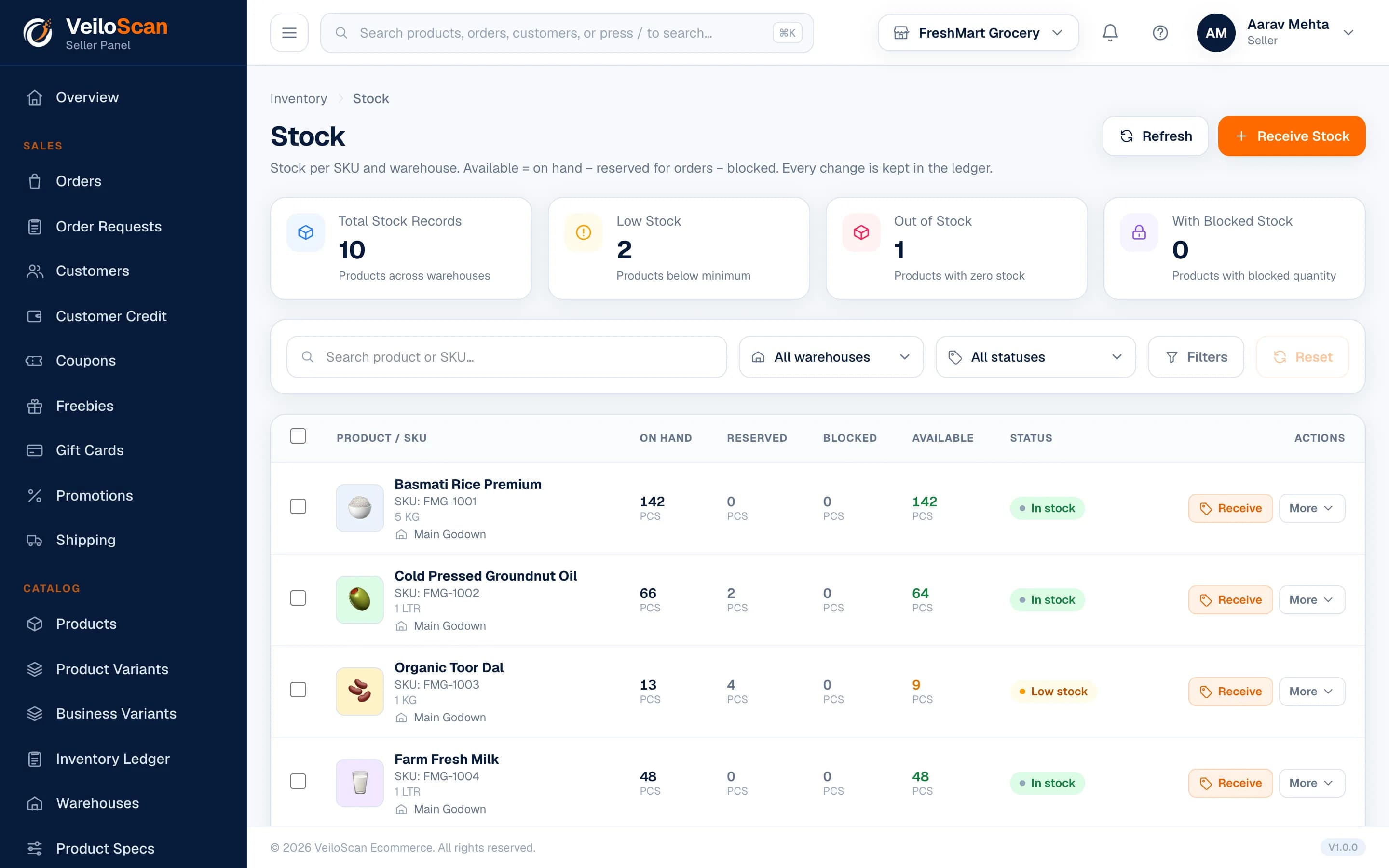
Close Every Day Knowing Your Profit
Each day's sales, expenses and collections in time order — so you know your gross and net profit before you lock up.
- Daily business summary for every store
- Expenses by category, with gross and net profit
- Notes with reminders for your team
- Activity timeline of orders, stock, expenses and collections
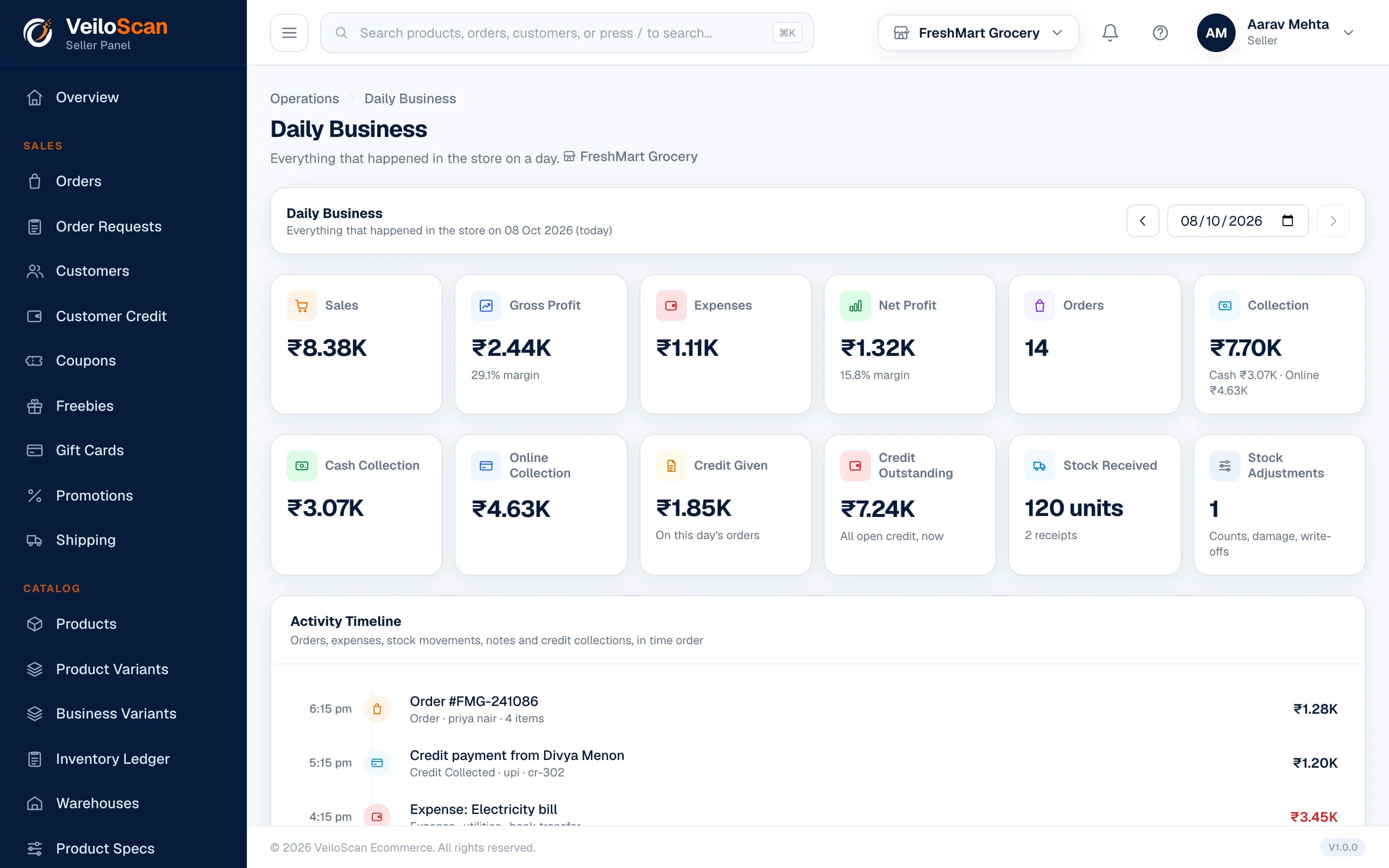
Reports That Show Growth
Sales and profit for one store or all of them, over any date range.
- Sales, gross profit and net profit charts
- Best-selling products by sales value
- Switch between stores from the header
- All-stores dashboard with combined totals (on multi-store plans)
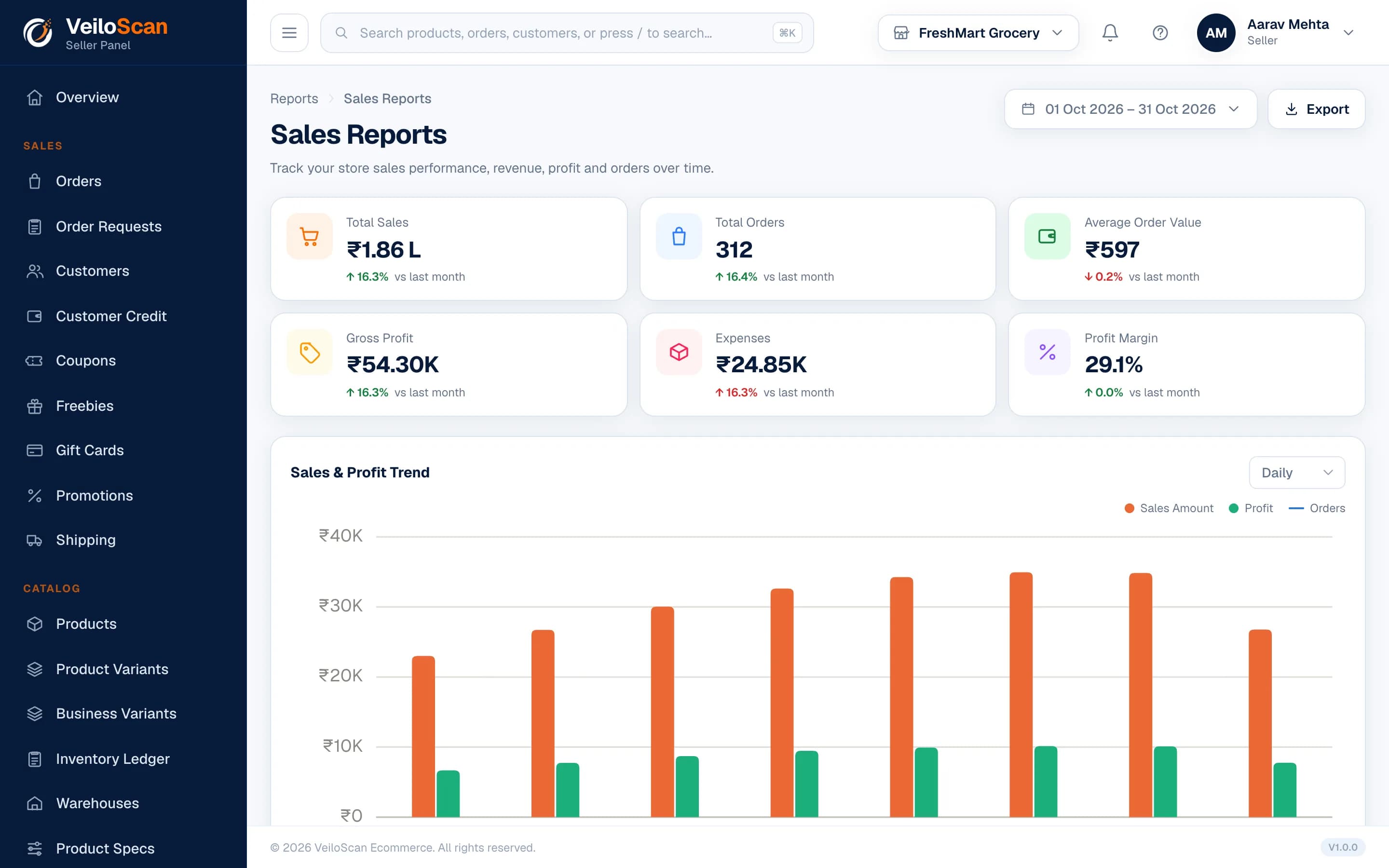
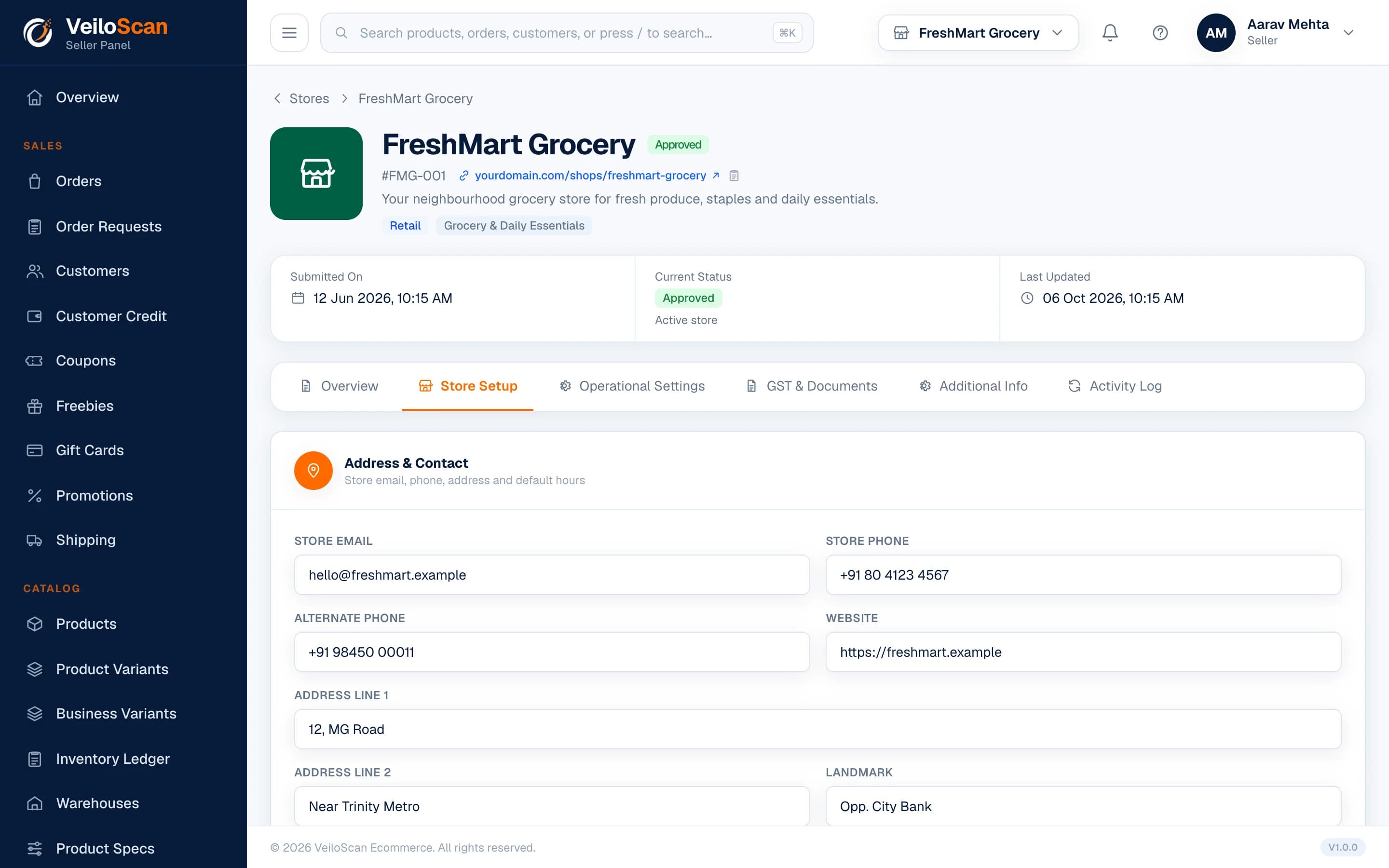
Your Store, Your Way
Brand your storefront, choose how customers pay and get help when you need it.
- Store name, tagline, logo, favicon and SEO tags
- Payment modes and gateway for storefront checkout
- Support tickets with a support dashboard
- Your plan, usage and payments in one place
Bring Customers Back Again
Reward loyal customers and win new ones with offers you control.
- Coupons with eligibility, validity and usage limits
- Freebies on qualifying orders
- Gift cards for your customers
- Store promotions and shipping charges
- Coupons
- Freebies
- Gift Cards
- Promotions
Give Your Team the Right Access
Add staff for each store and give every person only what their job needs.
- Add staff accounts for each store
- Ready-made roles for every job at the counter
- Each role sees only the modules its job needs
- See every staff login session and device
- Store Manager
- Inventory Manager
- Cashier
- Order Manager
How E-Shop Works?
Get your digital store up and running in 4 simple steps.
From products to orders — everything in one place.
- 1
Create Your Store
Sign up and set up your store in minutes with your basic details.
- 2
Add Products
Upload your products with details, images, pricing and inventory.
- 3
Get Your QR
Share your unique QR code with customers.
- 4
Customers Shop
Customers scan, browse products, place orders and collect from your store.
Why Store Owners Love E-Shop
E-Shop made it so easy for our store to go digital. Our customers love the QR shopping experience!
Simple to use, great support and helped us increase our sales by 40% in 3 months.
The best solution for local stores. No commission and full control over our products.
Ready to Take Your Store Online?
Set up your store in minutes. No commission, no technical knowledge needed.